You do not need to be a programmer or artificial intelligence expert to train ChatGPT to become more useful. For most people, “training” means giving ChatGPT clear instructions, useful examples, reference documents, and an organized workspace. You can upload Word documents, create Projects, add instructions, reuse saved files, and teach ChatGPT how you prefer information presented. This article explains how to train ChatGPT step by step, including how Projects, Memory, and Library work. You will also learn how to reduce incorrect answers and create a practical AI assistant for business, writing, research, or everyday work.
What Does It Really Mean to Train ChatGPT?
When beginners hear the phrase train ChatGPT, they often imagine computer programmers feeding enormous amounts of information into a complicated artificial intelligence system.
Fortunately, that is not what most people need to do.
For an everyday ChatGPT user, learning how to train ChatGPT is more like teaching a new employee how you want a job done.
Imagine hiring a smart assistant on Monday morning. You would not expect that person to immediately know your company policies, preferred writing style, customer procedures, pricing, or filing system.
This is a simple way to think about how to train ChatGPT.
- You would provide instructions.
- You would give the employee documents.
- You would show examples.
- You would correct mistakes.
- You would explain what a good result looks like.
There is a technical process called fine-tuning, where an AI model is adjusted using many examples. However, most individuals and small businesses do not need to begin there.
Instead, you can train ChatGPT for your purposes through better instructions, reference material, Projects, and ongoing conversations.
How Can You Train ChatGPT With Better Instructions?
The simplest way to train ChatGPT is to tell it clearly what you want. Compare these two requests:
“Write an email.”
and:
“Write a friendly, professional email to a customer explaining that their order will arrive two days late. Keep it under 150 words and apologize without sounding overly formal.”
The second request gives ChatGPT much more direction.
The lesson is simple: the quality of your instructions often affects the quality of your results. If you repeatedly use ChatGPT for the same type of work, give it consistent guidance.
For example:
- “Explain complicated subjects in plain English.”
- “Keep customer responses under 150 words.”
- “Never invent a company policy. If you cannot find the answer, say so.”
- “Use a friendly but professional tone.”
- “Give me the answer first, followed by the explanation.”
Learning to train ChatGPT this way does not require coding. You are simply giving the AI a better job description.
OpenAI also provides Custom Instructions, which allow users to provide information they would like ChatGPT to consider when responding.
How Can You Train ChatGPT Using Word Documents?
One of the easiest ways to train ChatGPT for your own work is to give it useful reference material.
Suppose you already have:
- Employee manuals
- Word documents
- Policies
- Procedures
- Product information
- Price lists
- Frequently asked questions
- Sales material
- Training guides
- Customer service instructions
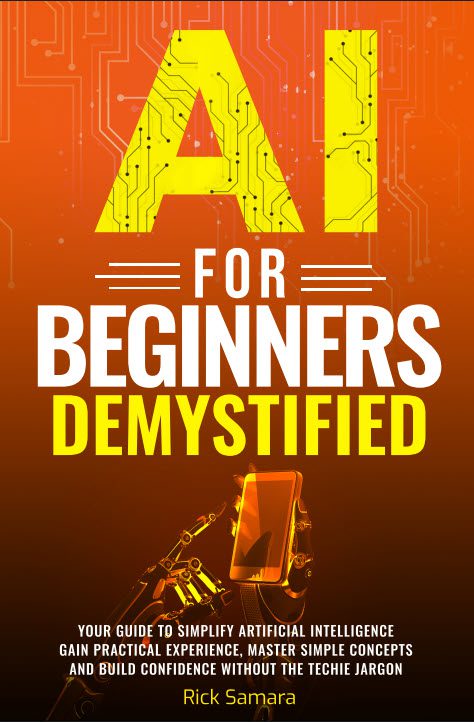
Instead of retyping all that information, you can upload documents and ask ChatGPT to use them as reference material. For example, I have uploaded a full copy of book, AI for Beginners Demystified. If you have a link to an article on your business website, you can simply add the URL.
Think of this as handing your new employee the company binder. A useful instruction after uploading a document is:
“Please use this document as reference material. Do not make up information that is not in the document. If the answer is unclear or missing, tell me instead of guessing.”
This is one of the most practical ways to train ChatGPT because you are supplying information that matters specifically to you. According to OpenAI, uploaded knowledge works best as reference material, while instructions should be used to define behavior, tone, and workflow.
Train ChatGPT: How Can ChatGPT Projects Help You Organize Your Information?
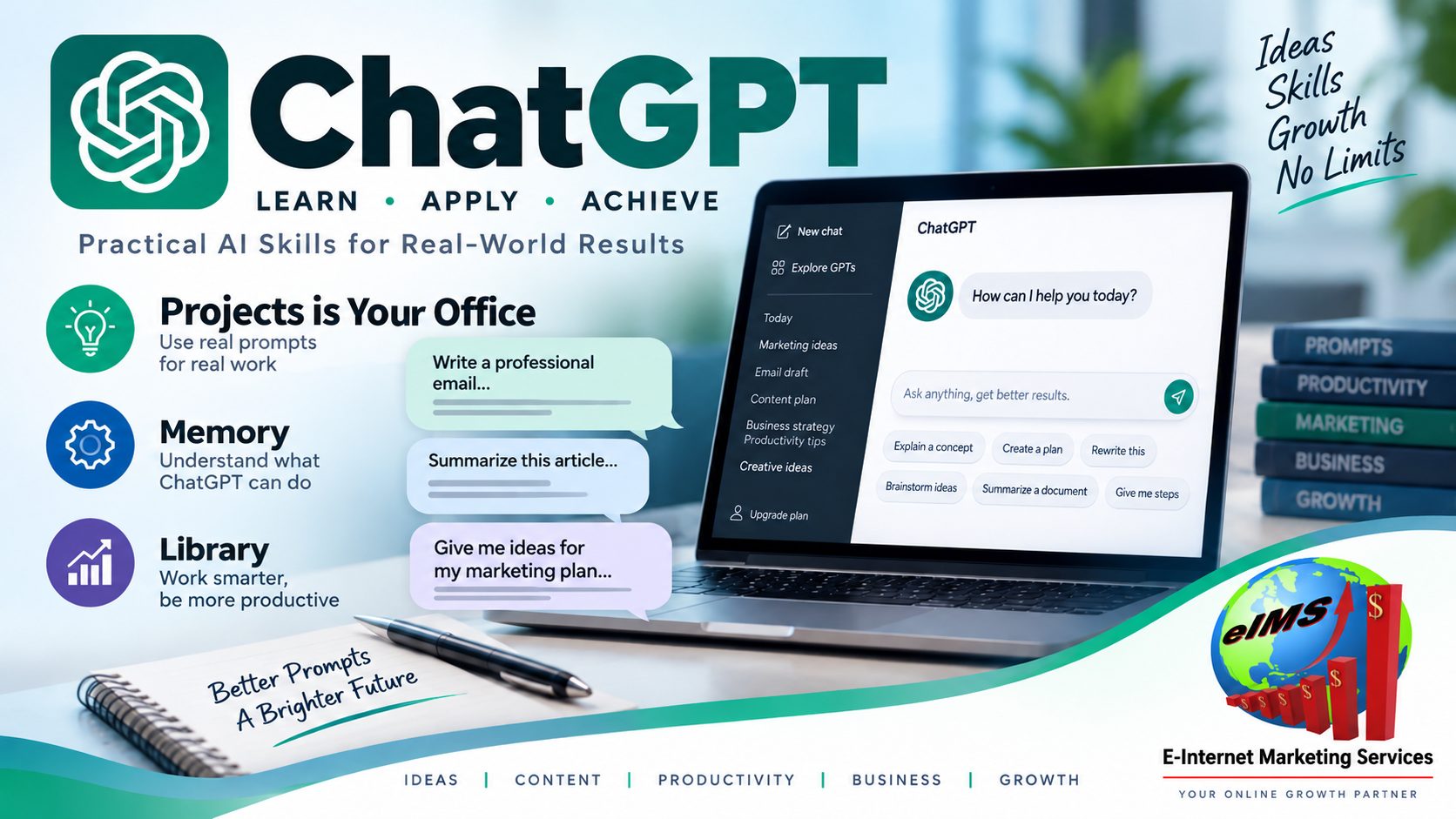 If you plan to train ChatGPT around an ongoing subject, a Project can be particularly useful.
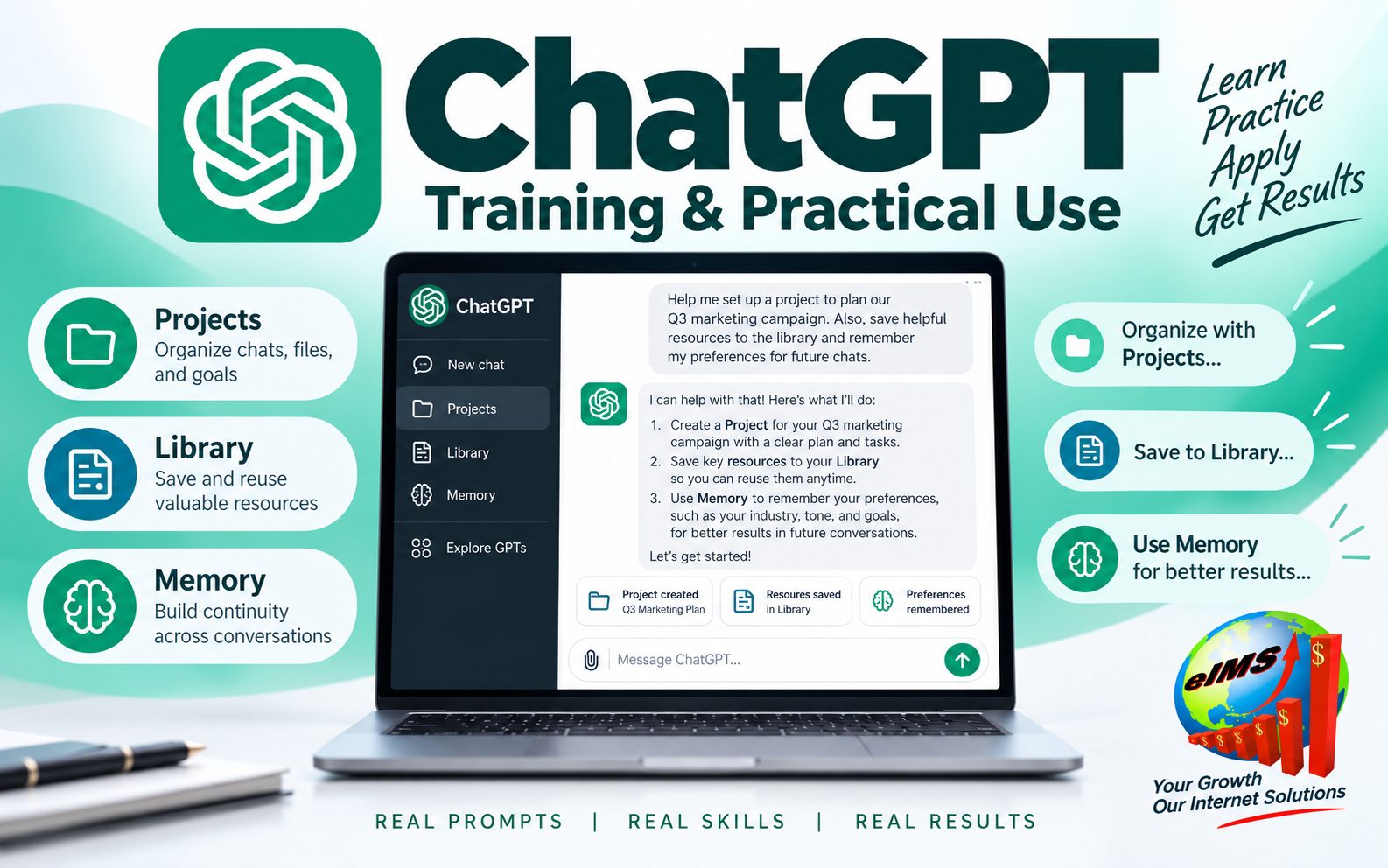
A ChatGPT Project is like creating a dedicated office for one area of your life or business.
You might create Projects called:
- My Business Knowledge Base
- Marketing Department
- Employee Training
- Book Research
- Customer Service
- Real Estate Research
Inside the Project, you can keep related chats, reference files, and instructions together. That means you do not have to begin every conversation from zero.
For example, a business owner could create a Project and upload the company handbook, customer policies, product information, training procedures, and price lists.
The owner can then train ChatGPT by adding Project instructions such as:
- “Use the documents in this Project as the primary reference for company questions.”
- “If two documents conflict, point out the conflict.”
- “Do not invent prices, policies, procedures, or company rules.”
- “Explain answers in plain English.”
- “When possible, identify the source document used to answer the question.”
Projects are useful because they keep relevant material in one organized workspace instead of scattering it across unrelated conversations.
Train ChatGPT: How Does ChatGPT Memory Differ From Uploaded Documents?
Understanding Memory is important when you train ChatGPT. Memory and uploaded documents are not the same thing.
A simple analogy helps:
Memory is like a notebook.
Uploaded documents are like a filing cabinet.
Memory can help ChatGPT retain useful context, depending on your settings. A document, however, contains much more detailed information that ChatGPT can consult when it is available as a source.
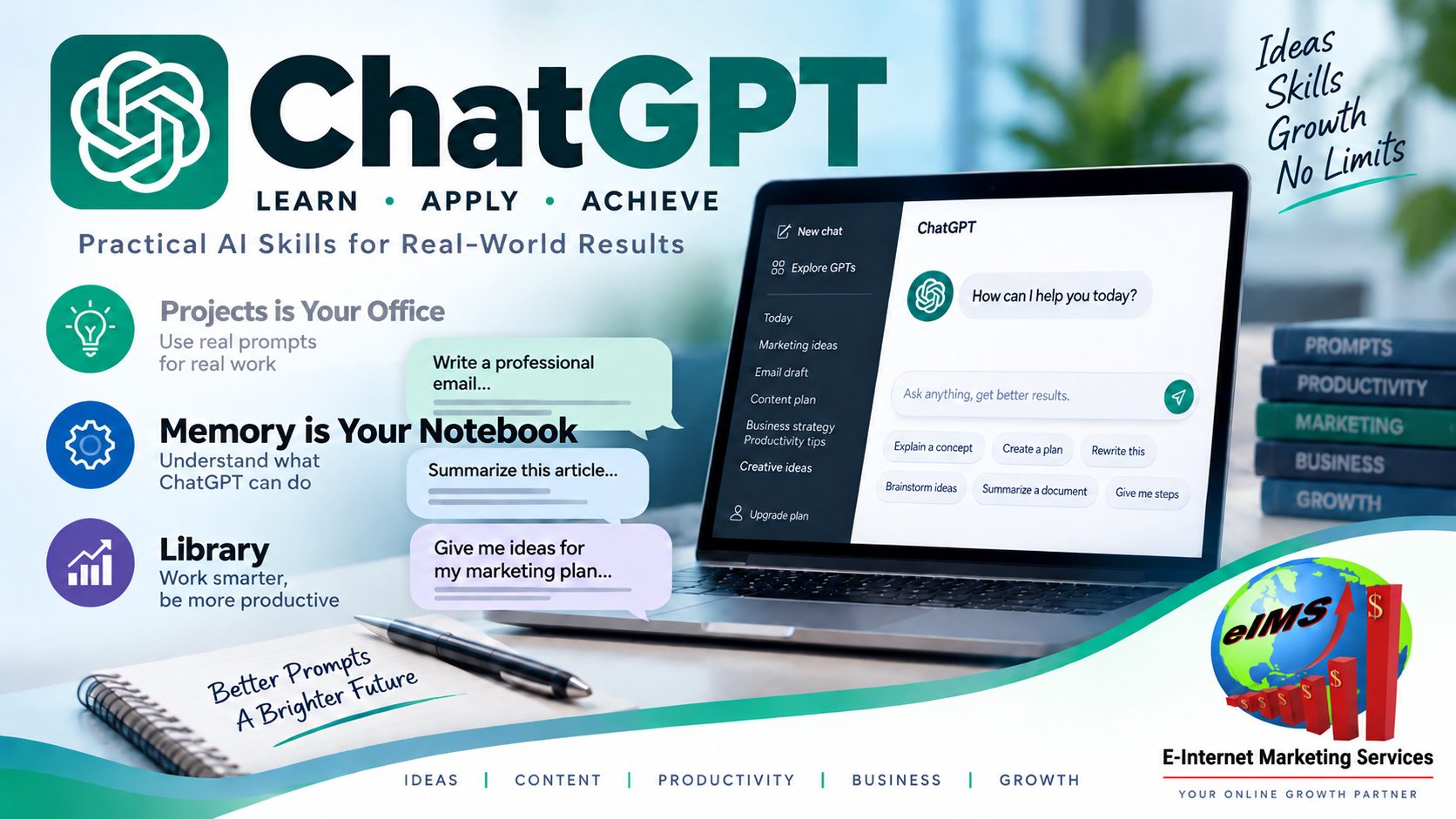
Projects can also have memory settings that help ChatGPT use context from conversations within the Project. A Project can use default memory or Project-only memory, depending on available settings.
Project-only memory is useful when you want information in one Project kept separate from conversations elsewhere.
For example, you may want a business Project to stay focused entirely on business information without drawing on unrelated personal conversations.
When you train ChatGPT for serious ongoing work, this separation can help keep the AI focused.
Train ChatGPT: How Can ChatGPT Library Help You Reuse Your Files?
 Another useful feature is Library.
When available on your account, Library gives you a place to find and reuse files you have uploaded or created in ChatGPT.
Think of the difference this way:
A Project is your office.
Library is your filing room.
Instead of uploading the same document repeatedly, you may be able to retrieve it from Library and add it to another conversation. This can be especially helpful if you train ChatGPT using the same business documents again and again.
For example, you might have a pricing document, company biography, service list, or customer FAQ that is useful across several different tasks.
Library makes those files easier to locate and reuse.
How to Train ChatGPT: How to Tell ChatGPT Not to Make Things Up?
One important lesson when you train ChatGPT is that artificial intelligence can sometimes produce incorrect information. The technical term often used for this is hallucination. In simple language, it means the AI gives you information that sounds believable but is wrong. Imagine an employee who does not know the answer but tries to sound helpful instead of saying, “I don’t know.” That’s super bad!
That is why good instructions matter. Try instructions such as:
- “Do not guess.”
- “If you cannot find the answer in my documents, tell me.”
- “Separate facts from suggestions.”
- “Tell me when you are uncertain.”
- “Identify which document supports your answer.”
- “If information may have changed recently, search for a current source before answering.”
These instructions cannot guarantee perfection, but they can make your workflow more reliable. You should still verify important legal, financial, medical, contractual, pricing, or business information before relying on it.
Train ChatGPT: How to Test ChatGPT After Adding Your Documents?
Do not assume that because you uploaded information, everything is working perfectly.
Test it.
When you train ChatGPT with company documents, ask questions where you already know the correct answers.
For example:
- “What is our cancellation policy?”
- “How long does a customer have to return an item?”
- “What services do we provide?”
- “What should an employee do when a customer complains?”
- “What price does the current document list for Service A?”
Then compare ChatGPT’s answers with the original documents.
You can also ask:
“Review the information available in this Project and create an inventory organized by subject.”
Or:
“Identify any contradictions, missing information, duplicate documents, or outdated policies.”
This turns ChatGPT into more than a question-answering tool. It can also help you organize the information you are using to train ChatGPT.
What Are the Biggest Benefits of Learning to Train ChatGPT?
The greatest benefit is not simply getting more impressive answers. It is saving yourself from repeatedly explaining the same things. Once you learn how to train ChatGPT effectively, you can create a much more useful working relationship with AI.
You may be able to use it to:
- Draft customer correspondence
- Summarize documents
- Create employee training material
- Explain complicated information
- Turn policies into FAQs
- Organize research
- Develop marketing ideas
- Create checklists
- Compare documents
- Find missing information
- Rewrite material for different audiences
- Help standardize routine work
A person who understands how to train ChatGPT has an advantage over someone who simply opens a new chat and types random questions. The technology may be the same, but the quality of the instructions and information can be dramatically different.
What Is the Best Way for a Complete Beginner to Start?
Start small. Do not upload your entire business on the first afternoon. Choose one task you understand well.
For example:
“I want ChatGPT to help me answer common customer questions.”
- Then gather the documents related to that task.
- Upload them.
- Give ChatGPT clear instructions.
- Ask test questions.
- Check the answers.
- Correct weaknesses.
- Improve your instructions.
Once that works, add another task. This is the easiest way to train ChatGPT because you are building confidence while learning what the system does well and where human judgment is still needed. Remember the employee analogy. You would not give a brand-new employee 75 binders on the first day and say, “Good luck.” Give ChatGPT a clear job, useful information, and feedback.
What Questions Do Beginners Frequently Ask About How to Train ChatGPT?
Can I permanently train ChatGPT with my Word documents?
Uploading a Word document does not permanently rewrite ChatGPT’s underlying AI model. However, documents can be stored and reused through features such as Projects, Library, and other supported knowledge tools.
Should I upload a document or copy and paste it?
For a short paragraph or small section, copy and paste is convenient. For longer documents, uploading the file is usually easier.
Can ChatGPT read several documents together?
Yes. You can provide multiple relevant documents and ask ChatGPT to consider them together. If the documents contain conflicting information, instruct ChatGPT to identify the conflict rather than choose one without explanation.
Is a Project the same thing as Memory?
No. A Project is a workspace that can contain chats, files, and instructions. Memory is a separate feature that can help ChatGPT retain useful context according to your settings.
What should I put in Project instructions?
Put behavioral rules there. Tell ChatGPT how to respond, what sources to prioritize, what tone to use, what it should do when information is missing, and how you want answers formatted.
Should my rules be inside the uploaded documents?
Usually, the cleaner approach is to use uploaded documents for information and instructions for behavior.
In other words:
Documents tell ChatGPT what to know about your work.
Instructions tell ChatGPT how you want the work done.
Can ChatGPT still be wrong after I train it?
Yes. You should treat ChatGPT as an assistant, not an infallible authority. Important facts should still be checked against reliable sources.
Do I need fine-tuning?
Most beginners do not. Clear prompts, good source documents, Custom Instructions, and Projects are often enough to produce significant improvements before technical fine-tuning needs to be considered.
What Is the Bottom Line on How to Train ChatGPT?
Learning to train ChatGPT is much easier than the word “training” makes it sound. For most people, you do not need programming skills or a degree in artificial intelligence. You need four things:
- Clear instructions.
- Good information.
- Organized reference material.
- Regular checking.
Start with a single useful task. Give ChatGPT the documents it needs. Explain how you want the work done. Test the answers against information you trust.
As your confidence grows, organize your work into Projects and reuse important files instead of starting over each time.
The goal is not to make ChatGPT magically know everything.
The goal is to give it enough context and direction to become a more useful assistant.
Think of it exactly as you would a new employee: provide the handbook, explain the job, show examples, review the work, and improve the process.
That is the practical beginner’s approach to learning how to train ChatGPT.
Who Is Rick Samara?
Rick Samara is the author of this article and writes with a focus on making useful ideas easier for everyday readers to understand and apply. His approach emphasizes practical explanations, real-world examples, and step-by-step guidance that helps beginners become comfortable using new tools. In exploring artificial intelligence, his goal is to help readers move beyond the technical language and discover practical ways AI tools such as ChatGPT can save time, organize information, and support everyday work.
How Was Artificial Intelligence Used to Create This Article?
AI Assistance Disclosure: This article was developed by Rick Samara in collaboration with ChatGPT by OpenAI. The original topic, questions, direction, and publishing requirements were provided by the author. ChatGPT assisted with explanations, organization, drafting, SEO structure, and editing. Current factual claims about ChatGPT features were checked against OpenAI’s official documentation before publication.
Readers should remember that AI-generated material can contain errors. Important information should be verified against current primary sources, particularly because AI products and features can change over time.
What Sources Support This Article?
References
OpenAI Academy: Learn to use AI confidently in your work, education, and everyday life.
Citation for this article’s AI assistance:
OpenAI. (2026). ChatGPT (GPT-5.6 Sol) [Large language model]. Content generated in response to prompts from Rick Samara, August 2026.
- Projects in ChatGPT: OpenAI Projects documentation
- File storage and Library: File Storage and Library in ChatGPT
- Custom Instructions: OpenAI Custom Instructions documentation
- Creating and editing GPTs: Creating and Editing GPTs
- Accuracy and hallucinations: Does ChatGPT Tell the Truth?